From terminal
to cinema
Find your next watch in the terminal. Open it in your browser. Your computer handles the preparation.
Real trailers. A preview of what’s next.

The story takes over the screen.Make the handoff
One selection. Two worlds.
↑↓ navigateenter select
Bundled trailers. No installation needed.
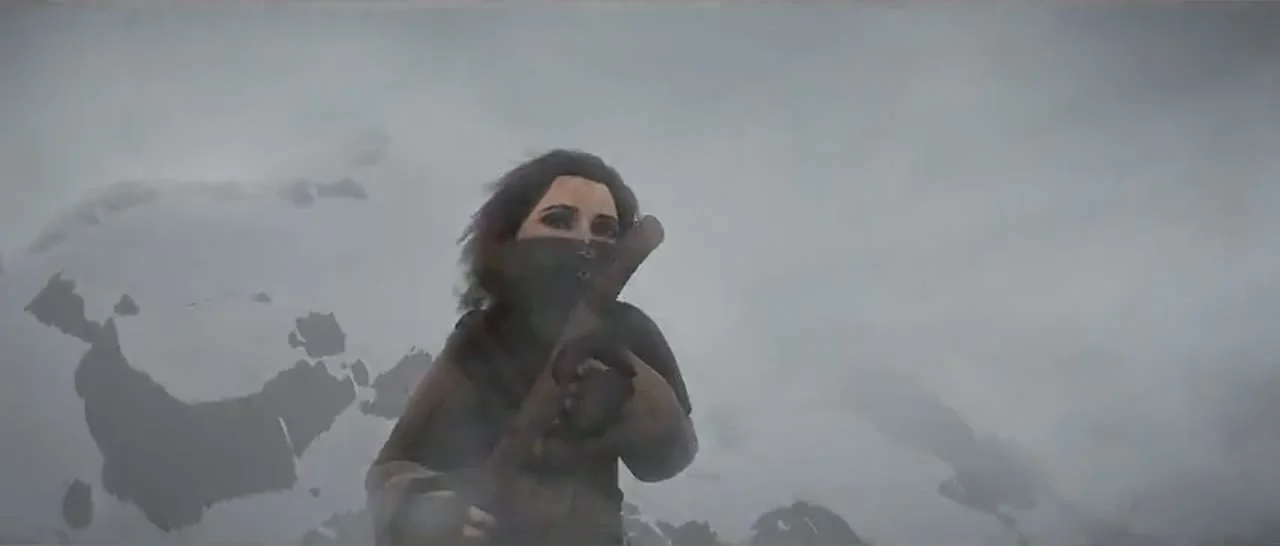
Bundled Open Cinema trailers. Preparation is illustrated.
Sintel · Blender Foundation · CC BY 3.0The demo stays on this website. It never executes commands or contacts movie providers.
Small handoff.
Big picture.
You choose what to watch. Digital Stream’s proposed local runtime takes care of getting it to your browser.
A title comes to mind.
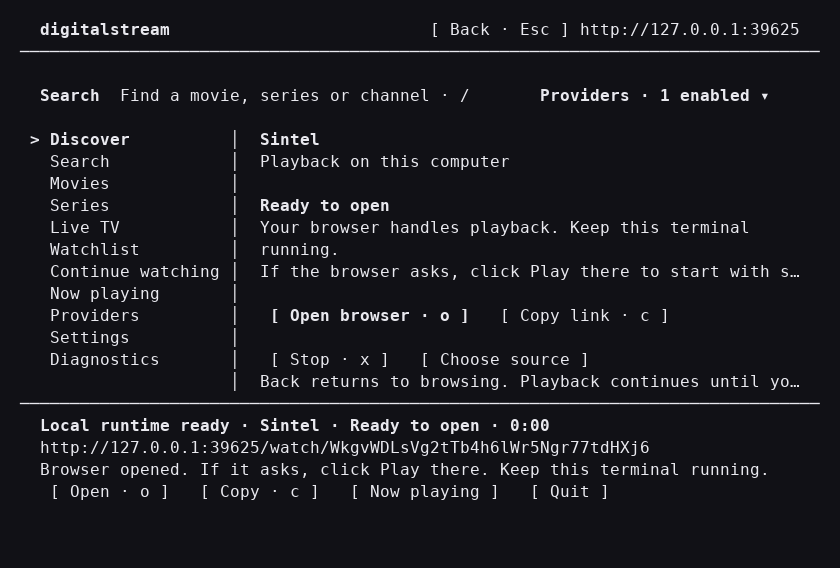
Search and choose a movie, episode or channel in the proposed terminal app. This demo searches the two bundled Open Cinema trailers.

Step into
the story.
A title on your mind.
A whole world on your screen.
The story.
Full screen.
The browser player is already real. Press play, find your moment, and make yourself comfortable.
Playback. Seeking. Subtitles. Fullscreen.One 480p source. English scene captions included. Open the settings to see the real options. Episode browsing is an interface preview.
Less browsing.
More watching.
Find a movie, choose an episode, or pick a live channel. Digital Stream keeps the decision close to your keyboard.
Choose your title and open the watch link. Keep the terminal running while your browser plays the video.
 Sintel · Open Cinema
The art of
the handoff.
The running app prepares and serves your video locally. Compatible sources can play directly. Others need conversion to a format your browser understands.
The work depends on your computer and the source. Keep the runtime open and your computer awake while you watch.
Proposed local runtime. A local link opens on the same computer by default.
Let the
story roll.
Two films. A little curiosity.
Pick a reel and see where it takes you.
Sintel · 2010 · Blender Foundation
A world in
every frame.
Great stories take you somewhere.
Choose the one you want to step into.
One command.
Then your call.
The intended start of a movie night. The terminal package is still a preview.
npx digital-stream@latestNot available to install yet. Try the website demo today.
- Node.js
- Node.js 22 or newer. Verified for the current app; final terminal requirements are still to be confirmed.
- Playback dependencies
- FFmpeg and ffprobe are needed only for compatibility conversion in the current application.
- While you watch
- Keep the runtime running and your computer awake. It prepares and serves your video throughout playback.
Before the opening scene.
What happens after I select a title?
A selection becomes a watch link.
In the proposed terminal app, your computer would resolve an available source, prepare it for playback and give you a local watch link. The website demo illustrates that handoff with bundled trailers.
Where does the video play?
In your browser.
The watch link opens Digital Stream’s own browser player. The terminal handles selection and keeps the local runtime running. In this demo, the player and trailers are hosted on this website.
Does the terminal need to stay running?
Keep it open while you watch.
Yes. The proposed local application serves the video and handles any preparation it needs. Closing the application would stop that work and can interrupt playback.
Can I open the link on another device?
Local means this computer.
A localhost link opens on the same computer by default. Access from a phone, TV or another computer requires an explicitly supported network mode. That mode is not promised for the terminal preview.
Does every source require conversion?
Only when it is needed.
Compatible video can play without conversion. Other sources may need preparation for the browser. Conversion time and playback performance depend on the source and your computer. This website plays samples prepared in advance.
Will every browser and stream work?
Playback has real limits.
No. Support depends on the source, codec, browser, device and any access restrictions. Some streams may not play. Digital Stream cannot promise universal playback or content availability.
Is the terminal package available yet?
The terminal is a preview.
Not yet. This site demonstrates the proposed workflow. The npx digital-stream@latest command is planned and is not an installation instruction. Release details will be confirmed before the package is available.
Choose your
next watch.
A small selection.
A story waiting on the other side.